
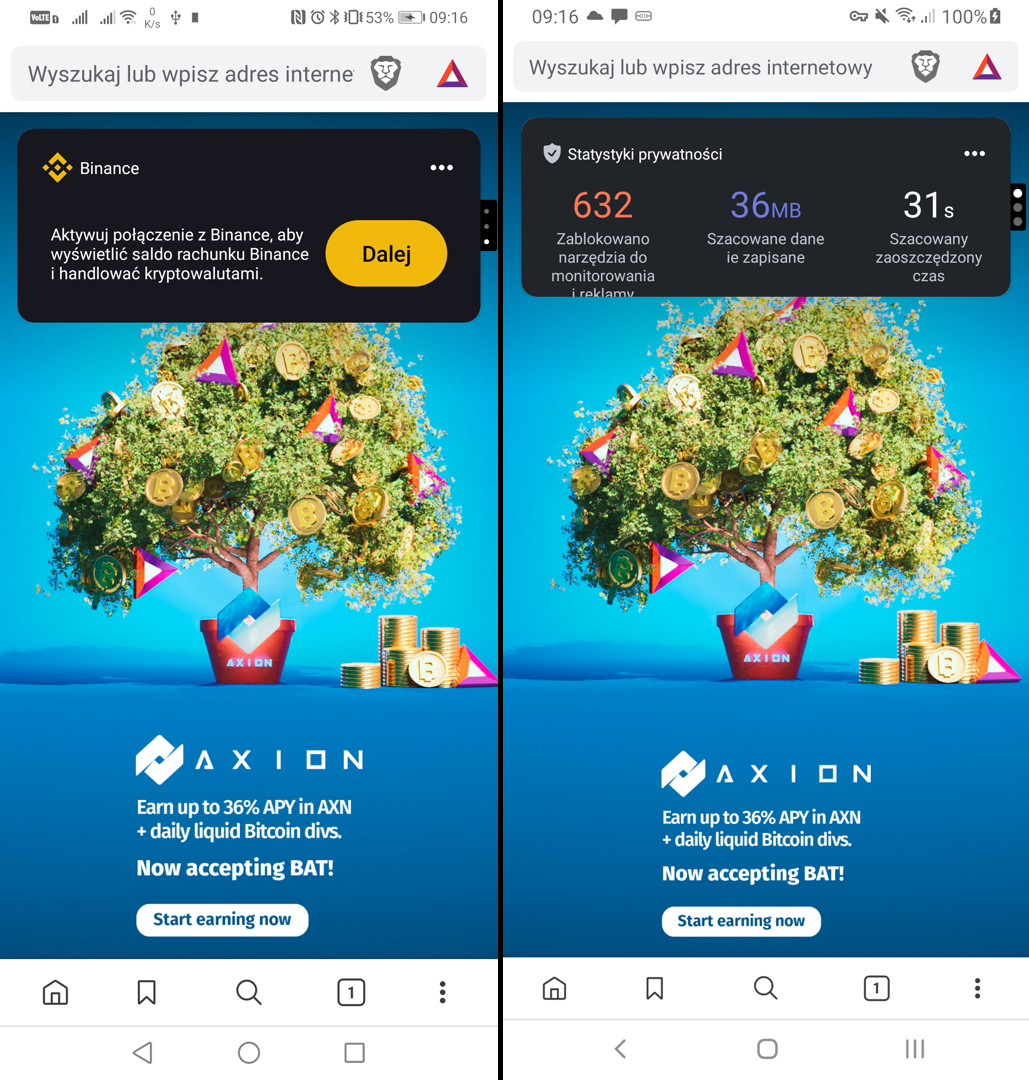
Recently I had to compare two versions of the app. I had Huawei and Samsung devices.
Instead do it manually I made some research and I created script for that:
REM Remove previously generated images
del huawei.png
del samsung.png

REM Remove previously resized images
del huawei_r.png
del samsung_r.png

REM Rename previously merged image (to keep it)
ren "huawei_samsung.png" "huawei_samsung_old_%time:~0,2%%time:~3,2%-%DATE:/=%.png"

REM Command to create a screenshot on the device and then to download it
REM There were 2 devices, -s XXXX was mandatory to device what device connect to
adb -s EHT0220B19001804 shell screencap -p /sdcard/screencap.png
adb -s EHT0220B19001804 pull /sdcard/screencap.png huawei.png

REM Command to create a screenshot on the device and then to download it
REM There were 2 devices, -s XXXX was mandatory to device what device connect to
adb -s 2a1aa4ad06047ece shell screencap -p /sdcard/screencap.png
adb -s 2a1aa4ad06047ece pull /sdcard/screencap.png samsung.png

REM To merge it horizontally both images must have the same height
ffmpeg -i huawei.png -vf scale=-2:1080 huawei_r.png
ffmpeg -i samsung.png -vf scale=-2:1080 samsung_r.png

REM Merge both images with split black line in the center
ffmpeg -i huawei_r.png -i samsung_r.png -filter_complex "[0]pad=iw+5:color=black[left];[left][1]hstack=inputs=2" huawei_samsung.png

REM Delete generated images
del huawei.png
del samsung.png

REM Delete resized images
del huawei_r.png
del samsung_r.png

REM pause